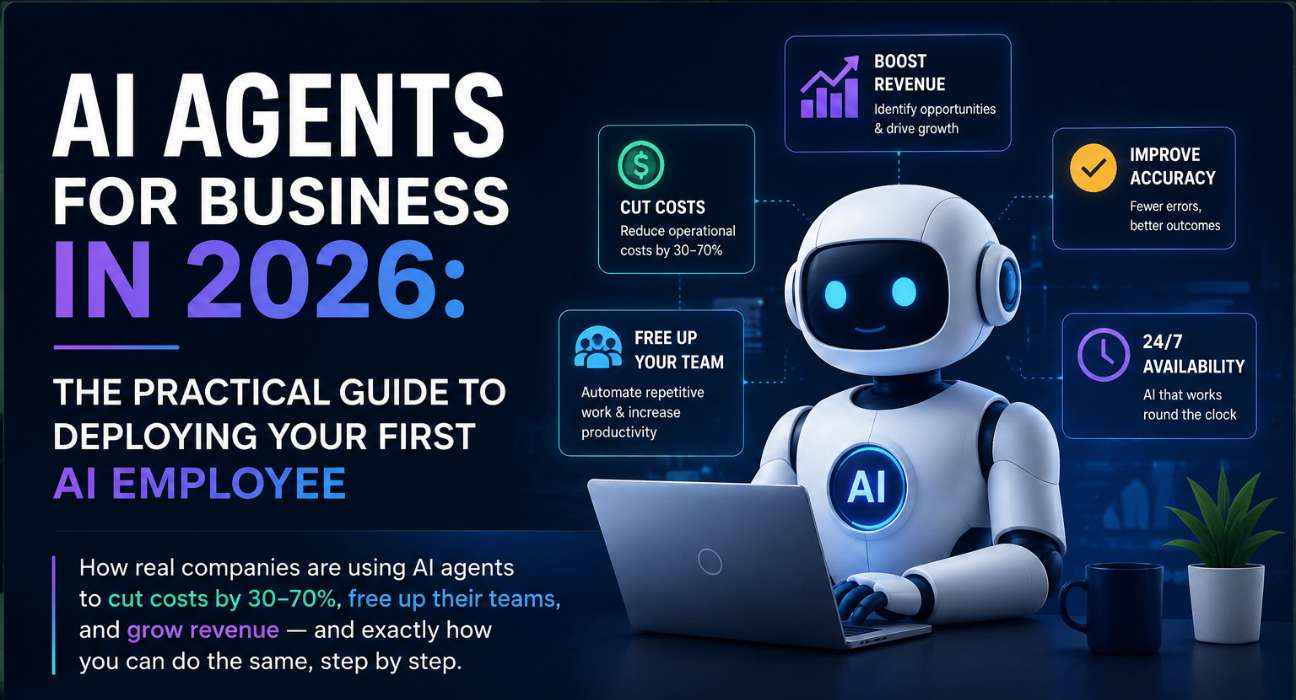
How real companies are using AI agents to cut costs by 30–70%, free up their teams, and grow revenue — and exactly how you can do the same, step by step.
Last October, I sat in a quarterly review meeting at RateGain staring at a number that made no sense.
Our customer support team had handled 14,000 tickets that quarter. But when we dug into the data, we found that over 9,000 of those tickets — sixty-something percent — were variations of the same 23 questions. Password resets. Integration troubleshooting steps that were already documented. Pricing clarifications available on our website. Nine thousand tickets, each one taking eight to twelve minutes of a skilled support agent’s time.
That’s roughly 1,500 hours of human effort spent doing work that a well-configured AI agent could handle in seconds.
So we deployed one. Not a chatbot. Not a canned-response tool. An actual AI agent that could understand context, pull information from our knowledge base, check a customer’s account status, and resolve issues end to end without a human ever touching the ticket.
Within three months, that single agent was autonomously resolving 61% of incoming support tickets. Our average response time dropped from four hours to under ninety seconds. And our human agents? They were finally doing the work that actually needed a human brain — complex escalations, relationship-building, strategic account conversations.
That experience taught me something important: AI agents are not a future technology. They are a present-tense competitive advantage. And if you’re running a business in 2026 and haven’t deployed at least one, you’re already behind.
This guide is everything I’ve learned — the practical, no-nonsense version. What AI agents actually are, where they deliver real ROI, which platforms to use, how to deploy your first one, and the mistakes that trip up most companies.
What Are AI Agents, Really? (And Why They’re Not Chatbots)
Let’s clear up the single biggest misconception first. An AI agent is not a chatbot with a fancier name.
A chatbot follows a script. It matches your question to a pre-written answer. When it can’t find a match, it says something useless like “I’m sorry, I didn’t understand that. Would you like to speak to an agent?”
An AI agent is fundamentally different. It pursues a goal. It makes intermediate decisions. It interacts with your systems and data. And it adapts its behavior based on the results it gets. Think of it less like an automated FAQ and more like a new employee who happens to work at the speed of software.
Here’s a concrete example. A customer emails your support team saying their rate data isn’t syncing with a specific OTA channel. A chatbot would reply with a generic troubleshooting article. An AI agent would check which OTA channel is affected, pull the customer’s integration logs, identify that the API credentials expired two days ago, send a re-authentication link, verify the sync is working, and close the ticket — all before your human agent finishes their morning coffee.
That’s the difference between automation and agency. Automation follows rules. Agency solves problems.
The AI Agent Opportunity in 2026: What the Data Says
I’m not going to bombard you with fifty statistics. But a few numbers frame why this matters right now:
| Data Point | Source |
| 40% of enterprise apps will include task-specific AI agents by end of 2026 | Gartner |
| Global AI agents market projected at $10.9–$12 billion in 2026 | Multiple analysts |
| 5.8x average ROI within 14 months of production deployment | McKinsey |
| 74% of executives report achieving ROI within the first year | BCG/Forrester |
| 30–70% cost reduction in specific operational workflows | Enterprise case studies |
| Median time-to-value: 5.1 months (SDR agents: 3.4 months) | BCG 2026 Survey |
| Only 31% of enterprises have an AI agent in production | S&P Global / McKinsey |
That last number is the one I want you to focus on. Only 31% of enterprises are actually using AI agents in production. Which means nearly 70% of businesses haven’t started yet. That’s your window. The companies deploying agents now are building advantages that will be extremely difficult to replicate in two years.
Where AI Agents Deliver the Biggest Impact: 6 Use Cases That Pay for Themselves
Not every business process needs an AI agent. The ones that do share three characteristics: they’re repetitive, they involve pulling data from multiple systems, and they have clear success criteria. Here are the six use cases I’ve seen deliver the fastest, most measurable ROI.
1. Customer Support Triage and Resolution
This is the single most proven use case for AI agents, and it’s where I’d recommend most businesses start. ServiceNow reported that AI agents were automating 37% of its own customer support workflows as of April 2026. Intercom’s Fin AI Agent handles an average resolution rate of 67% across 7,000+ teams.
At RateGain, our support agent handles the first interaction on every inbound ticket. It resolves the straightforward ones entirely and routes complex issues to the right human specialist with full context already attached. Our human agents stopped spending time asking clarifying questions because the AI agent already gathered that information.
2. Sales Development and Lead Qualification
SDR agents are the fastest to show ROI, with a median payback period of just 3.4 months. They monitor intent signals, enrich lead data, send personalized outreach, and qualify responses before passing warm leads to human reps.
The key difference from traditional automation: an AI sales agent doesn’t just send emails on a timer. It reads the prospect’s response, understands whether they’re interested or objecting, and adjusts its follow-up accordingly. Sales teams using AI agents report spending 40% more time in actual customer conversations, because the agent handles the prospecting grind.
3. Document Processing and Data Extraction
If your team spends hours pulling information from invoices, contracts, or compliance documents, this use case will feel like magic. AI agents can extract data from PDFs, cross-reference it against your business rules, flag discrepancies, and trigger downstream workflows — all without a human reading a single page.
Companies using document-processing agents report 70–90% reductions in processing time and near-elimination of manual data entry errors.
4. Employee Onboarding and IT Helpdesk
New hire joins the company. They need system access, equipment, training materials, a buddy assignment, and answers to fifty questions about benefits and policies. An AI agent can handle the entire onboarding workflow — provisioning accounts, scheduling orientation sessions, answering questions from the employee handbook, and checking in at intervals to make sure nothing fell through the cracks.
IT helpdesk is similar. Password resets, VPN setup guides, software installation support — these are perfect agent candidates because they’re high-volume, well-documented, and annoying for skilled IT staff to handle manually.
5. Marketing Content and Campaign Operations
This one surprises people, but AI agents are increasingly handling the operational side of marketing. Not the creative strategy — the execution logistics. Scheduling posts, pulling campaign performance data, generating A/B test variants, compiling weekly reports, and flagging campaigns that are underperforming their benchmarks.
Marketing teams using AI agents can execute more campaigns with the same headcount, and the engagement improvements come from faster iteration cycles rather than more staff.
6. Financial Operations and Invoice Processing
Finance teams are natural candidates for AI agents because their workflows are structured, rule-based, and high-stakes enough to justify automation investment. AI agents can match invoices to purchase orders, flag exceptions, route approvals, and update ERP systems — reducing processing time by 70–90% while improving accuracy.
One thing I’ve learned: finance teams are initially the most skeptical about AI agents and ultimately the most enthusiastic once they see them work. The key is starting with a non-critical process like expense report categorization before moving to accounts payable.
How to Choose the Right AI Agent Platform for Your Business
The platform landscape is crowded and confusing. I’ll simplify it. Your choice depends on one question: does your team have developers, or not?
For Non-Technical Teams (No-Code)
If you want to deploy an AI agent without writing code, these platforms let you build workflows visually:
- Lindy: Best overall for small and mid-sized businesses. Handles workflows across sales, support, and operations. You can have an agent running within a day.
- Zapier AI Agents: If you already use Zapier, their AI agent layer lets you add intelligence to your existing automations. Good for teams that want to enhance what they have rather than start from scratch.
- Google Workspace Studio: If your company runs on Google Workspace, this is the path of least resistance. Build AI-powered workflows that connect directly to Gmail, Docs, Sheets, and Calendar.
For Developer Teams (Code-First)
If you have engineers and want maximum flexibility and control:
- LangChain + LangGraph: The most mature framework for building custom AI agent pipelines. Offers fine-grained control over agent logic, state management, and tool integration. Best for complex, multi-step workflows.
- CrewAI: Models agents as a team of specialists that collaborate. Excellent for rapid prototyping. Lowest barrier to entry among code-first frameworks. If you need something running fast, start here.
- Microsoft AutoGen: Recently merged with Semantic Kernel into Microsoft’s unified Agent Framework. Strong for multi-agent conversational patterns. Consider this if you’re already in the Microsoft ecosystem.
My honest recommendation: if you’re deploying your first AI agent and you’re not a developer, start with Lindy or Zapier. If you have a technical team, start with CrewAI for speed or LangGraph for control. Don’t overthink the platform choice. The bigger risk is not starting.
How to Deploy Your First AI Agent: A Step-by-Step Framework
This is the exact process I recommend, based on what worked for us at RateGain and what I’ve seen work across dozens of SaaS companies. Follow these seven steps and you can have a production-ready AI agent within 30 days.
- Pick one high-volume, well-documented process. Don’t try to automate everything at once. Choose the process where your team wastes the most time on repetitive work. Customer support triage is the safest first bet. Look for processes that handle 50+ interactions per week and follow relatively predictable patterns.
- Map the workflow end to end. Before you touch any tool, document every step of the current process. Who does what, in what order, using which systems, and what decisions do they make? I literally had our team sketch this on a whiteboard. You can’t automate what you haven’t mapped.
- Define clear success criteria. What does “this agent is working” look like? Be specific. For our support agent, success meant: correctly resolves ticket without human intervention, customer satisfaction score stays above 4.2 out of 5, and escalates to a human when confidence is below threshold. Without clear criteria, you’ll never know if it’s working.
- Build the knowledge base. An AI agent is only as good as the information it can access. Compile your FAQs, documentation, SOPs, and decision trees into a clean, structured knowledge base. This step takes the longest and is the most underestimated. Budget two weeks for it.
- Deploy in shadow mode first. Run the agent alongside your human team for two to four weeks. The agent processes every interaction but doesn’t act on its own — a human reviews and approves each response. This lets you catch errors, refine the agent’s behavior, and build team trust before going live.
- Go live with guardrails. When shadow mode performance is consistently meeting your success criteria, switch to live with guardrails. The agent handles interactions autonomously but escalates to a human whenever its confidence is below a defined threshold. Start with a high threshold and gradually lower it as the agent proves itself.
- Measure, iterate, expand. Track your success metrics weekly. Identify failure patterns and retrain. After 90 days of stable performance, start planning your second agent. Most companies find that the second deployment takes half the time of the first because you’ve already built the organizational muscle.
Seven Mistakes That Kill AI Agent Projects (I’ve Made Most of Them)
Automating chaos. If your process is broken, an AI agent will automate the broken process faster. Fix the workflow first, then deploy the agent. We learned this the hard way when our first agent inherited a support escalation path that even our human team found confusing.
Skipping shadow mode. I’ve seen teams deploy agents directly into production because they were excited about the technology. Every single time, it created a mess within the first week. Shadow mode isn’t optional. It’s how you build the confidence data that justifies full deployment.
Measuring agent count instead of outcomes. Gartner specifically warns against this. Having ten AI agents means nothing if they’re not delivering measurable business outcomes. Focus on resolution rate, time saved, cost reduced, and customer satisfaction — not how many agents you’ve deployed.
Ignoring governance. Only one in five companies has a mature governance model for autonomous AI agents. This matters because agents make decisions on behalf of your company. Who’s accountable when an agent gives wrong information to a customer? Define this before deployment, not after.
Choosing the wrong first use case. The ideal first use case is high-volume, low-risk, and well-documented. Do not start with something that involves sensitive data, regulatory compliance, or complex human judgment. Start boring. Boring builds confidence.
Underinvesting in the knowledge base. Teams spend 80% of their time on the agent platform and 20% on the knowledge base. It should be the opposite. The platform is just the engine. The knowledge base is the fuel. A world-class agent on a mediocre knowledge base will produce mediocre results.
Not involving the team early. If your support team hears about the AI agent for the first time when it goes live, you’ve failed. Involve them from Day 1. Make them part of the mapping, testing, and refinement process. The teams that embrace AI agents are the ones that helped build them.
What’s Coming Next: Multi-Agent Systems and the Autonomous Enterprise
Everything I’ve described so far is single-agent deployment — one agent handling one process. But the next wave, which is already emerging in 2026, is multi-agent architectures where specialized agents collaborate to handle complex, cross-functional workflows.
Imagine this: a sales agent identifies a high-intent lead and passes it to an onboarding agent. The onboarding agent sets up the account, triggers a billing agent to generate the contract, and activates a customer success agent to schedule the kickoff call. Four agents, working together, executing in minutes what used to take a team of people several days.
This isn’t science fiction. Companies like Salesforce, ServiceNow, and Google are already shipping multi-agent platforms. And the architecture frameworks — LangGraph, CrewAI, AutoGen — are all designed for multi-agent orchestration.
My advice: don’t wait for multi-agent to be “ready.” Start with a single agent today. Build the organizational capability, the governance framework, and the data infrastructure. When multi-agent systems mature in 12 to 18 months, you’ll be ready to scale while your competitors are still figuring out their first deployment.
Frequently Asked Questions About AI Agents for Business
What is the difference between an AI agent and a chatbot?
How much does it cost to deploy an AI agent?
Are AI agents safe for customer-facing use?
Can small businesses use AI agents, or is this only for enterprises?
What skills does my team need to deploy AI agents?
How do AI agents handle situations they can’t resolve?
The Bottom Line
AI agents are not magic. They’re tools. Extremely powerful tools that, when deployed thoughtfully, can transform how your business operates. But they require the same rigor as any other business initiative: clear objectives, proper planning, measured rollout, and continuous improvement.
The companies that will lead their industries in 2028 are the ones deploying their first AI agents right now, in 2026. They’re building the organizational capability, the data infrastructure, and the governance frameworks that will let them scale when multi-agent systems become the standard.
If you take one thing from this guide, let it be this: start with one process, one agent, one measurable outcome. Don’t try to boil the ocean. Deploy, learn, iterate, expand. The technology is ready. The question is whether you are.
Anurag Jain is a digital strategy and AI leader at RateGain Travel Technologies, a global SaaS company serving 13,200+ customers across 100+ countries. He writes about AI, SaaS growth, and digital marketing at digicrusader.com.