
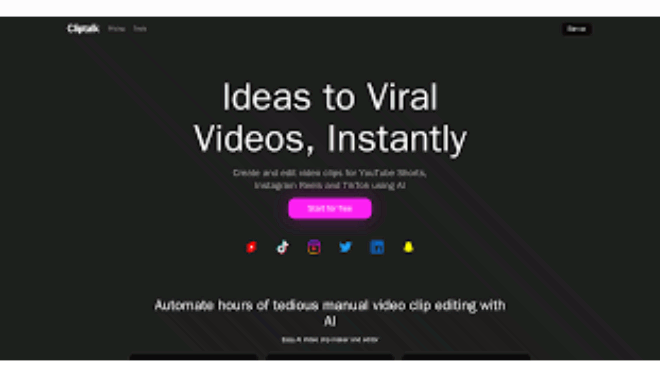
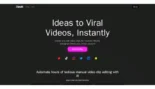
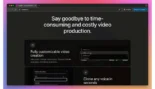
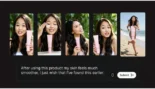
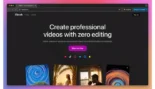
Cliptalk AI is a high-performance text-to-video automation platform specifically engineered for the 2026 social media landscape, where speed is the primary currency for growth.
Introduction
In a world where attention spans are measured in milliseconds, the bottleneck for creators is no longer creativity, it’s the “grind” of editing. Cliptalk AI was built to eliminate that friction by turning video production into a conversation. Whether you’re a solopreneur turning a successful blog post into a TikTok series or a “faceless” YouTuber scaling multiple channels, Cliptalk provides a professional-grade studio that runs on simple text prompts. By automating the tedious work of finding B-roll, syncing subtitles, and choosing music, it allows you to focus on the strategy of going viral. In 2026, Cliptalk isn’t just a tool; it’s a high-speed engine for digital visibility.
Faceless Content Expert
5-Min Talking Avatars
Natural Language Editor
Auto B-Roll
Review
Cliptalk AI is a high-performance text-to-video automation platform specifically engineered for the 2026 social media landscape, where speed is the primary currency for growth. Unlike traditional editors, Cliptalk acts as an end-to-end production house that transforms scripts, blog posts, or URLs into fully edited TikToks, Reels, and YouTube Shorts. It distinguishes itself with its Talking Avatar technology, supporting faceless content creators with realistic presenters that can host videos up to 5 minutes long, well above the 60-second limit of most competitors.
The platform is lauded for its Natural Language Editing system, which allows users to make complex visual and pacing changes just by typing a request into a chat box. While early reviews from 2024–2025 noted occasional issues with reliability, the 2026 version has significantly improved its AI B-roll matching, which now pulls from a vast library to visualize script context automatically. With built-in Auto-Captioning in 48 languages and a “Viral Score” predictor for generated clips, Cliptalk is a powerhouse for marketers who need to maintain a daily posting schedule across multiple social channels without a production team.
Features
Text-to-Video Engine
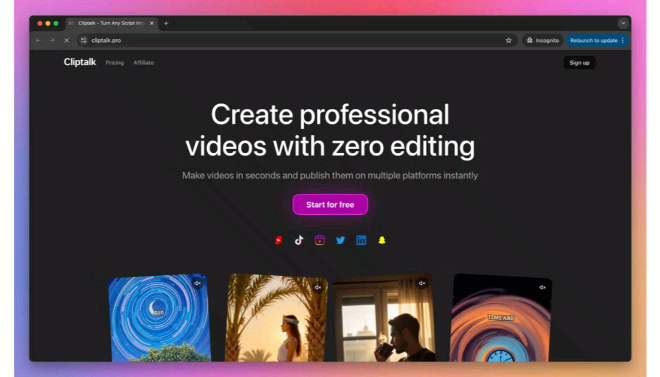
Instantly converts scripts, articles, or news links into edited videos with visuals, captions, and narration.
Talking AI Avatars
Generate realistic human presenters for educational or marketing content, supporting videos up to 5 minutes long.
Natural Language Revisions
Edit your video through a chat interface; type "Make the music more upbeat" or "Change the background footage" to see instant updates.
Automated B-Roll & Visuals
Uses AI to identify the context of your script and automatically insert relevant background footage and images.
Advanced Voice Cloning
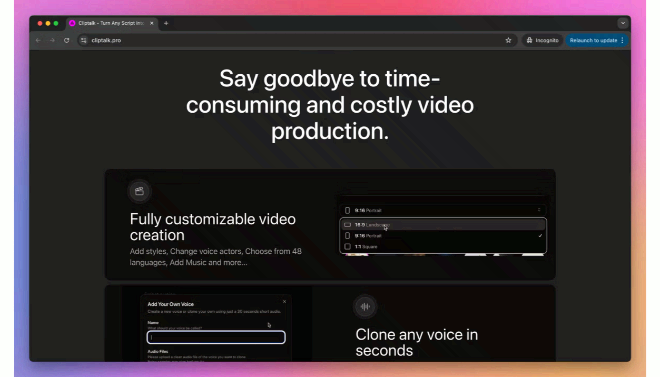
Create high-quality narration using 30+ emotional AI voices or clone your own voice from a 30-second sample.
Auto-Captioning & Dubbing
Generates precise, animated subtitles in 48 languages with high speech-recognition accuracy.
Best Suited for
Faceless YouTube Creators
Building channels without being on camera using talking avatars and AI-curated B-roll.
Social Media Managers
Rapidly scaling content production for TikTok, Instagram Reels, and Shorts.
Affiliate Marketers
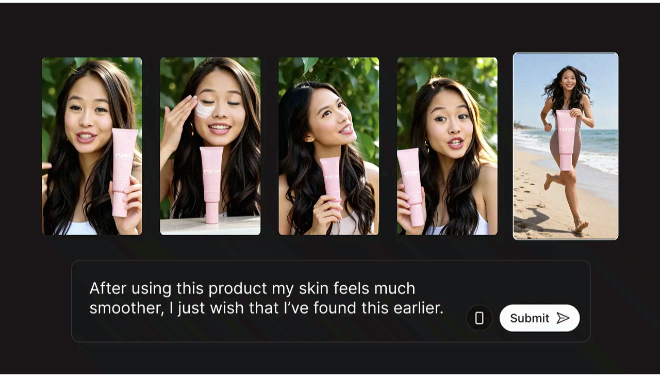
Turning product URLs into engaging video reviews and "UGC-style" ads.
Educators & Trainers
Converting lesson scripts into visual explainers with synchronized AI narration.
Podcasters
Repurposing audio highlights into visual social clips with dynamic wave-form captions.
Solopreneurs
Managing multiple marketing channels with zero video editing experience.
Strengths
Speed of Production
Extended Video Length
Intuitive Editing
High ROI
Weakness
Premium Pricing
Model Refining
Getting Started with Cliptalk AI: Step-by-Step Guide
Step 1: Input Your Script
Select “New Project” and paste your script, a blog URL, or a simple idea. The AI will analyze the text to determine the “vibe” and structure.
Step 2: Choose Your Avatar & Voice
Pick a talking avatar that represents your brand. Select a voice actor or upload a 30-second clip of your own voice for a custom clone.
Step 3: Generate the Draft
Click “Generate.” In about 3–5 minutes, Cliptalk will produce a first draft complete with B-roll, captions, and music.
Step 4: Refine via Chat
Review the draft. If the background isn’t right, type “Replace the last scene with a more urban setting” into the AI editor.
Step 5: Export and Publish
Choose your aspect ratio (9:16 for TikTok, 16:9 for YouTube). Export your video and use the auto-publishing feature to send it directly to your social accounts.
Frequently Asked Questions
Q: Can I use Cliptalk to monetize my YouTube channel?
A: Yes. Cliptalk-produced videos are considered original content. The Pro plan includes a commercial license, making them eligible for monetization.
Q: Does it support my language?
A: Cliptalk supports 48 languages for voice acting and over 20 languages for accurate auto-captioning.
Q: How do the "Credits" work?
A: Credits are used for high-resource tasks like generating video and audio. Simple editing and text changes through the interface are typically unlimited and do not consume credits.
Pricing
Cliptalk offers tiered plans based on the number of “AI Minutes” or “Credits” needed per month. (Note: Annual plans often offer ~50% off monthly rates).
| Plan | Monthly Cost | Video Minutes / Credits | Key Features |
| Free | $0.00 | 1 Minute | Watermarked, standard voices, basic editor. |
| Starter | $19.00 | 120 Minutes | No Watermark, voice cloning, up to 2-min videos. |
| Pro / Starter+ | $39.00 – $59.00 | 300 – 3000 Credits | Faster rendering, Custom Avatars, commercial license. |
| Enterprise / Elite | $119.00+ | 18,000 Credits | Priority support, 30+ custom avatars, unlimited revisions. |
Alternatives
InVideo AI
Best for broader YouTube-style content with a massive library of stock footage.
HeyGen
The gold standard for high-end corporate avatars and training videos.
CapCut (Desktop/Mobile)
Best for manual, creative editing with AI-assisted captioning.
Share it on social media:
Questions and answers of the customers
There are no questions yet. Be the first to ask a question about this product.
