





WorkBeaver AI is an agentic automation agent designed for users who want to put repetitive digital chores on autopilot without writing a line of code.
Introduction
The biggest barrier to automation has always been the “integration tax”—the need for expensive APIs and engineering sprints to make different apps talk to each other. WorkBeaver AI breaks this barrier by operating at the visual level. If you can see it on your Windows or Mac screen, WorkBeaver can automate it. Whether you are an accountant downloading bank statements, a property manager triaging maintenance tickets, or a startup founder updating a custom CRM, WorkBeaver learns your specific workflow by observing your intent. In a 2026 landscape where “agentic” AI is replacing static software, WorkBeaver stands out as a privacy-first, nimble productivity stack that delivers ROI in minutes, not months.
Zero-Knowledge Privacy
No-Code “Show & Tell,”
Adaptive AI
Windows/Mac Native
Review
WorkBeaver AI is a high-performance agentic automation desktop agent designed for users who want to put repetitive digital chores on autopilot without writing a single line of code. Launched as a “digital intern,” it differs from traditional Robotic Process Automation (RPA) by utilizing a “show and tell” method. Instead of building complex logic gates, you simply perform a task once while WorkBeaver “watches”; it then creates a robust digital model to replicate those actions across any desktop app, browser, or legacy software visible on your screen.
The platform is lauded for its UI resilience; because it “sees” the screen like a human, it isn’t derailed by minor interface updates or button shifts that would typically break traditional automation scripts. In early 2026, it has become a favorite for SMEs (Small to Medium Enterprises) due to its zero-knowledge privacy architecture and SOC 2 Type II compliance, ensuring that sensitive data remains encrypted and local to the user’s device. While it is a lightweight alternative to heavyweight enterprise tools like Automation Anywhere, its ability to automate “judgment-heavy” tasks, like routing invoices or cleaning data sheets, makes it a premier choice for non-technical teams.
Features
"Show & Tell" Learning
Teach the AI by simply performing the task once. No coding, drag-and-drop, or API configuration required.
Universal Screen Compatibility
Works with any software visible on your screen, including legacy desktop apps, custom CRMs, and web portals.
Adaptive AI Resilience
Automatically adjusts to minor UI changes, such as buttons moving or color shifts, ensuring automations don't break during updates.
Zero-Knowledge Privacy
Employs end-to-end encryption and a "zero-knowledge" protocol where task data is stored locally on your device.
Chat-Based Teaching
Refine and instruct your agents using natural language; explain your objective and the agent carries out the task.
Accounting & Tax Firms
Seamlessly manages data entry, invoicing, and follow-ups across multiple disparate applications simultaneously.
Best Suited for
Accounting & Tax Firms
Automating bank statement downloads, client data intake, and recurring report generation.
Property Managers
Triaging maintenance tickets and routing urgent requests based on visual and text cues.
Legal Operations
Classifying contract risks and managing document filing across government portals.
SMEs & Startups
Looking for a "nimble productivity stack" to offload admin overhead without hiring IT contractors.
Healthcare Providers
Automating patient referral routing and form filling in HIPAA-compliant
Remote Professionals
Reclaiming hours from repetitive data entry and "busywork" to focus on deep-work tasks.
Strengths
Instant ROI
Integration Independence
Military-Grade Privacy
Adaptive Learning
Weakness
Requires Desktop Presence
Initial Setup Time
Getting Started with WorkBeaver: Step-by-Step Guide
Step 1: Download and Install
Install WorkBeaver from the Microsoft Store or official website. It is available for both Windows and Mac.
Step 2: Start a "Trial Run"
New accounts receive 500 free action credits. Use these to test your most repetitive daily workflow.
Step 3: Perform the "Show & Tell"
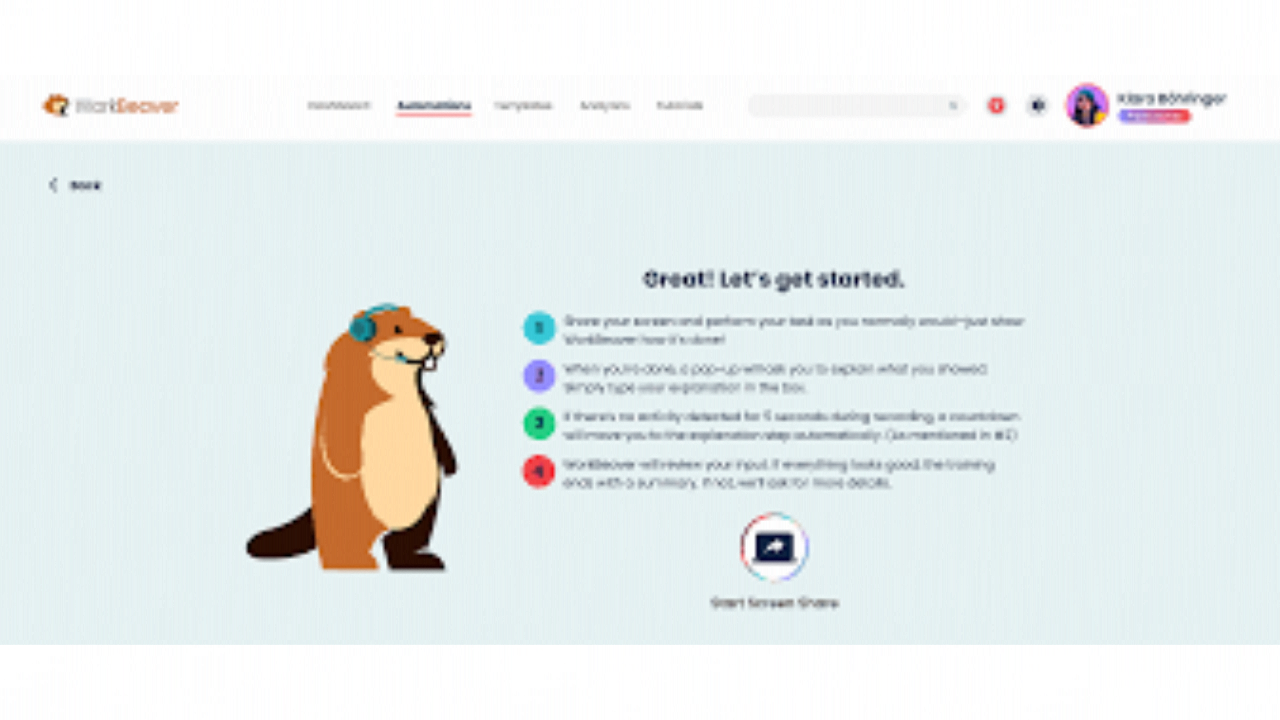
Click “Record” and perform your task once (e.g., “Copy data from Excel to my custom CRM”). WorkBeaver will watch your clicks and keystrokes.
Step 4: Refine with Chat
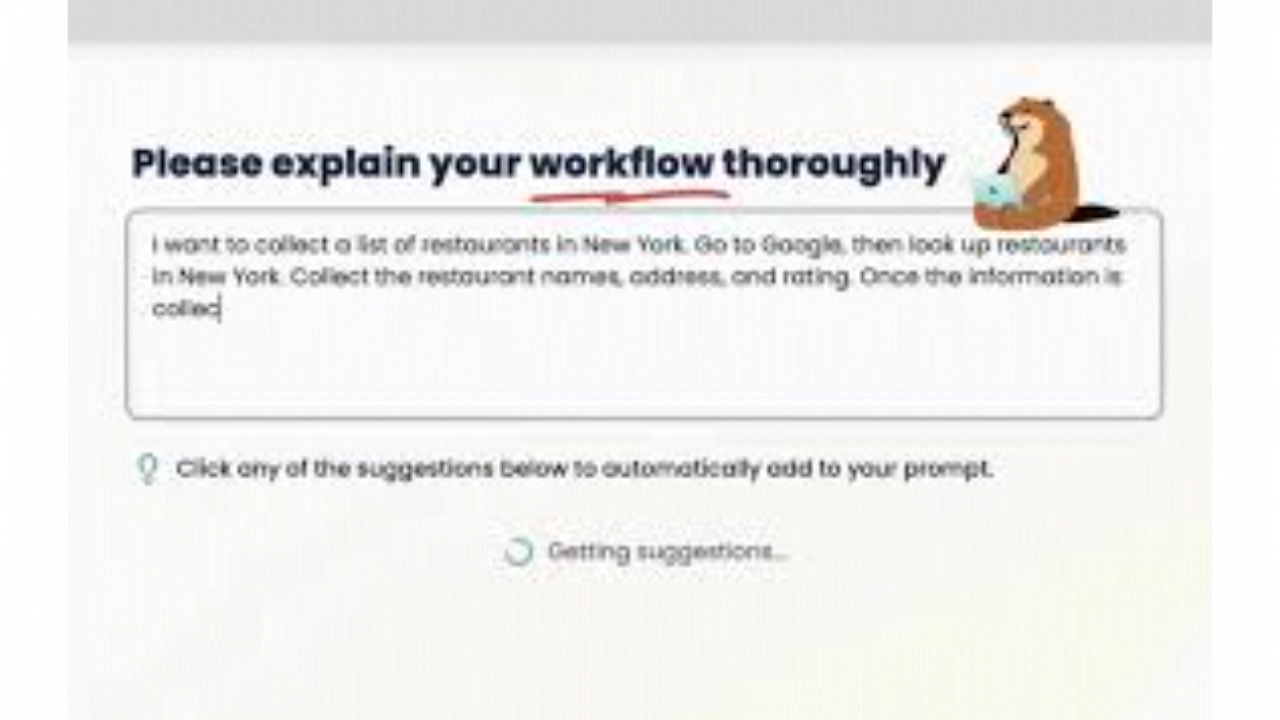
If the automation needs a slight tweak, use the Chat Interface to explain the change: “Only do this if the invoice date is in the past.”.
Step 5: Put on Autopilot
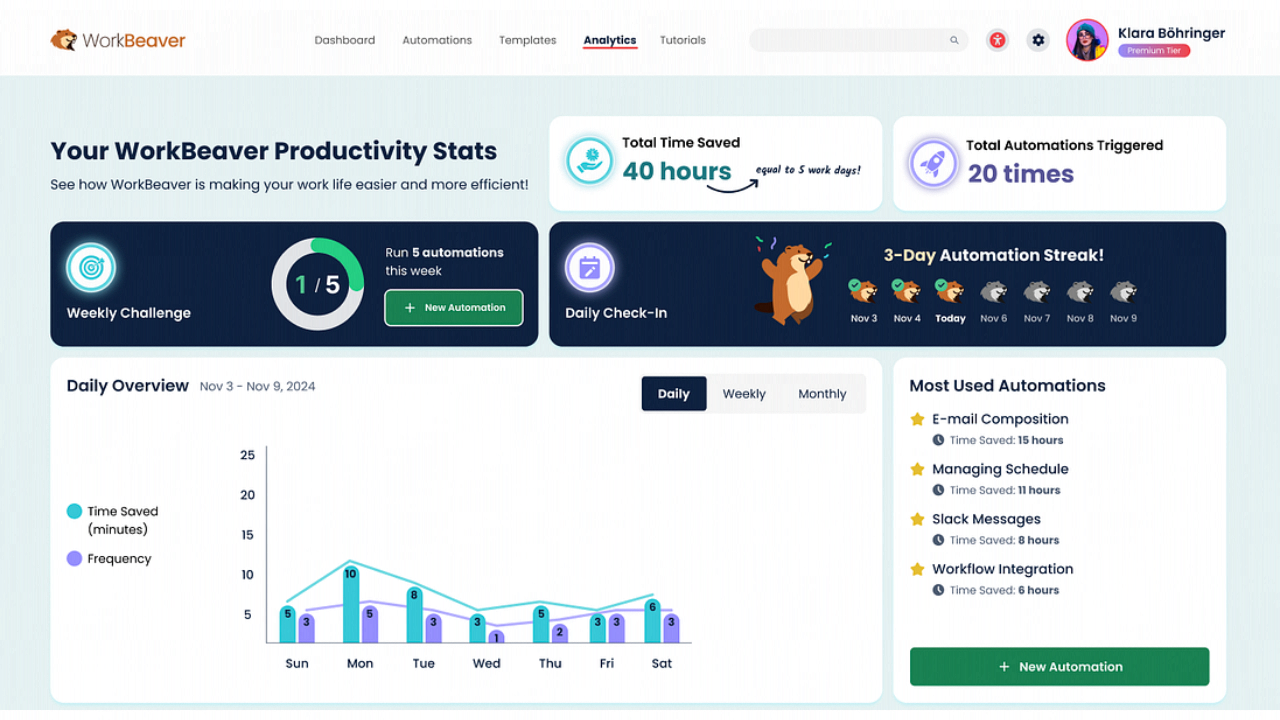
Run your agent. Monitor its progress via the Activity Dashboard and watch as it handles the work in the background.
Frequently Asked Questions
Q: Does WorkBeaver need an API to work with my software?
A: No. It works at the visual level. If the software is on your screen, WorkBeaver can interact with it just like you do.
Q: Is my sensitive data safe?
A: Yes. WorkBeaver uses a zero-knowledge architecture. Your task data and workflows are stored locally on your device and are fully encrypted.
Q: What is a "Digital Intern"?
A: It’s a term for WorkBeaver’s agentic AI that learns by watching you work and then takes over the repetitive “nuance” of your daily tasks.
Pricing
WorkBeaver follows a “Credits and Tokens” model designed for flexibility.
| Plan | Price | Key Benefits |
| Freemium | $0 | 500 actions included to trial the agentic features. |
| Personal Pro | $14.99/mo | Unlimited installations, replenishing action tokens every month. |
| Business/SME | Custom | Multi-user seat plans, priority support, and HIPAA-compliant hosting. |
Alternatives
Bardeen
A popular browser-focused automation tool, though lighter on desktop app capabilities.
Automation Anywhere
The "Enterprise ERP" for bots, powerful and scalable but requires heavy IT involvement and APIs.
Magical
A browser-based assistant focused on communication shortcuts and basic data transfer.
Share it on social media:
Questions and answers of the customers
There are no questions yet. Be the first to ask a question about this product.
