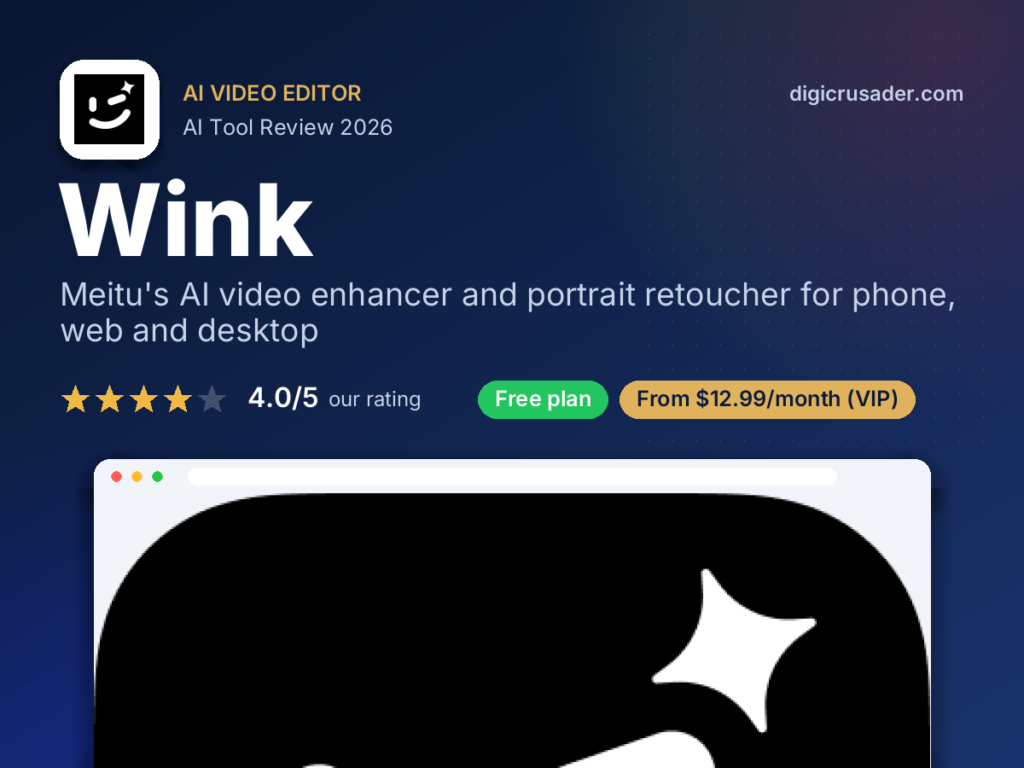


Our verdict on Wink
Wink is one of the fastest ways to make a shaky, soft phone clip look sharp. The 4K upscaler and face retouching do real work in seconds. The catch is a pushy subscription model, including a pricey weekly plan, and faces that can look too smooth if you push the sliders.
What is Wink?
Wink is an AI video and photo editing app from Meitu that enhances footage to 4K, restores old clips and retouches faces automatically. It sits between a beauty app and a video enhancer. You drop in a clip, pick a fix, and Wink handles the heavy lifting.
Wink's core strength is video quality repair. It can upscale 480p or 720p footage to 4K, remove blur, reduce noise, stabilise shaky clips and smooth motion with frame interpolation. For social clips shot in poor light, this saves real time compared with a desktop editor.
The second pillar is portrait retouching. Skin smoothing, eye bags, teeth whitening, hair colour, makeup and face or body reshaping all work on video, even with several faces in a frame. Auto subtitles in 10+ languages, cartoon styles, object removal and newer image-to-video tools round out the kit. Meitu also offers web, desktop and a Premiere Pro plug-in, which is unusual for a phone-first app.
Where Wink falls short is restraint. Default retouching can push faces toward a waxy look, and very low-resolution sources still upscale poorly. The pricing is confusing, with weekly, monthly and yearly VIP tiers plus credit-based web plans. Read the plan before you tap subscribe, and check the privacy label if you handle client footage.
Wink at a glance
| Made by | Meitu |
|---|---|
| Category | AI Video Editor |
| Platforms | iOS, Android, Web, macOS, Windows |
| Free plan | Yes |
| Pricing | From $12.99/month (VIP) |
| Website | wink.ai |
Wink key features
4K video upscaling
Enhance 480p or 720p clips to 4K, with scene-specific models and batch processing.
Portrait retouching
Smooth skin, fix eye bags, whiten teeth, add makeup and reshape faces, even across several people.
Restore and unblur
Repair old or soft photos and videos, remove noise and sharpen blurry frames.
Auto subtitles
Generate captions in 10+ languages for short-form social videos.
Clean-up tools
Remove objects and watermarks, stabilise shaky footage and smooth motion.
Generative extras
Turn images into video, apply anime styles and try text-to-video effects.
Who Wink is best for
Social media creators
Sharpen and retouch Reels, Shorts and TikToks before posting.
Hotels and travel brands
Rescue low-light property or guest-experience clips shot on a phone for Instagram.
Small businesses
Add captions and polish product or team videos without hiring an editor.
Families and archivists
Restore old home videos and blurry photos.
Wink pros and cons
What we like
- Strong 4K upscaling and unblur for phone footage
- Video portrait retouching works on multiple faces
- Available on phone, web, desktop and as a Premiere Pro plug-in
- Frequent updates and a wide toolset
What could be better
- Aggressive upsells, including a costly weekly plan
- Retouching can look over-smoothed
- Very low-res clips still upscale poorly
- Credit system on web plans is confusing
Wink pricing
Free
Basic tools, limits and upgrade prompts
VIP
Also $7.99/week or $59.99/year on the US App Store
VIP+
Or $99.99/year; higher tier with more features
US App Store prices. Prices vary by region and in-app offers; web plans use monthly credits. Prices checked November 2026. AI pricing changes often, so confirm on the official Wink site.
How to get started with Wink
- Download Wink on iOS or Android, or open wink.ai on the web.
- Import a video or photo from your library.
- Pick a tool such as HD enhance, retouch or subtitles and adjust the strength.
- Preview, then export or share directly to social apps.
Wink alternatives
| Tool | Best for | Starting price |
|---|---|---|
| Wink | Creators and small businesses who want to fix, sharpen and retouch short videos fast | From $12.99/month (VIP) |
| CapCut | Full short-form video editing | Free / paid tiers |
| Hypic | Portrait photo editing | Free / paid tiers |
| Remini | Photo restoration | Free / paid tiers |
| Topaz Video AI | Pro desktop upscaling | Paid |
Wink FAQ
Is Wink free?
Wink is free to download with basic tools. Most advanced features, such as full 4K enhancement and premium retouching, need a VIP subscription.
Who makes Wink?
Wink is made by Meitu, the Hong Kong-listed company behind apps such as BeautyPlus and Meitu.
Can Wink upscale video to 4K?
Yes. Wink can enhance 480p or 720p footage to 4K, though results depend on the quality of the source clip.
Is Wink available on desktop?
Yes. Besides iOS and Android, Wink offers a web version, macOS and Windows apps and a Premiere Pro plug-in.
Sources: Wink official site, Wink on the App Store, a16z Top 100 Gen AI Consumer Apps, 6th edition. Reviewed by the Digicrusader editorial team. Compare more options in our directory of 1,000+ AI tools.