
Our verdict on Grammarly
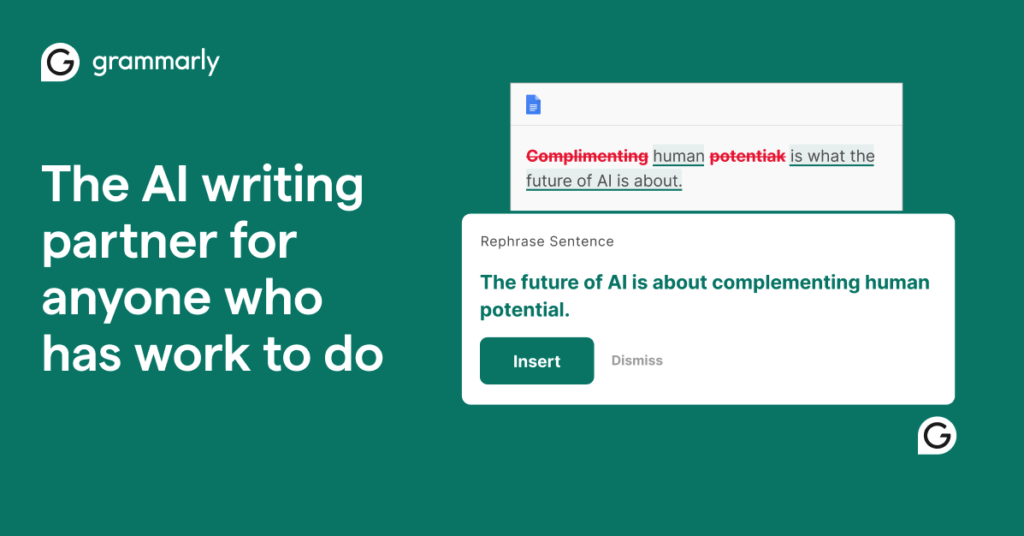
Grammarly remains the easiest way to write clean, clear English everywhere you work. The free plan catches the basics, and Pro adds full-sentence rewrites, tone control and plagiarism checks that busy professionals will use daily.
What is Grammarly?
Grammarly is an AI writing assistant that checks spelling, grammar, tone and clarity in the apps you already use.
Grammarly works in browsers, desktop apps, Microsoft Office, Google Docs and email, underlining issues as you type. Beyond corrections, it suggests clearer phrasing and flags tone so messages land the way you intend.
Pro adds full-sentence rewrites, tone adjustments, plagiarism and AI-text detection, and a much larger monthly allowance of generative AI prompts. Teams can share style guides, brand tones and snippets.
Grammarly is now part of the Superhuman family alongside Superhuman Mail and Coda. Pro is still sold on its own, while Superhuman suite plans bundle Grammarly with email and docs.
Grammarly at a glance
| Made by | Superhuman (formerly Grammarly Inc.) |
|---|---|
| Launched | 2009 |
| Category | AI Writing Assistant |
| Platforms | Web, Windows, macOS, iOS, Android, browser extensions |
| Free plan | Yes |
| Pricing | Free, Pro from $12/mo |
| Website | grammarly.com |
Grammarly key features
Grammar and spelling
Real-time corrections in 500,000+ apps and sites.
Tone detection
See how your message sounds and adjust it.
Full-sentence rewrites
Make writing clearer and more concise.
Generative AI prompts
Draft and reply with AI on demand.
Plagiarism and AI detection
Check originality before you publish.
Style guides and brand tones
Keep team writing consistent.
Who Grammarly is best for
Professionals
Emails, reports and proposals.
Non-native English writers
Confident, natural phrasing.
Hotel guest-relations teams
Polished replies to guests and reviews.
Students
Essays with fewer errors.
Grammarly pros and cons
What we like
- Works almost everywhere you type
- Strong free plan
- Excellent tone and clarity suggestions
- Team style guides on Pro
What could be better
- Pro is pricey if paid monthly
- Rewrites can flatten your voice
- Mostly English-focused
- Some suggestions are overly cautious
Grammarly pricing
Free
Grammar, spelling and 100 AI prompts a month.
Pro
Rewrites, tone, plagiarism and 2,000 prompts. $30 monthly.
Superhuman Business
Grammarly Pro plus Superhuman Mail and Coda.
Enterprise
SSO, data controls and dedicated support.
Monthly billing for Pro is $30; a quarterly option is about $60. Prices checked November 2026. AI pricing changes often, so confirm on the official Grammarly site.
How to get started with Grammarly
- Install the Grammarly extension or desktop app.
- Write as usual and accept suggestions.
- Try Pro for rewrites, tone and plagiarism checks.
Grammarly alternatives
Grammarly FAQ
Is Grammarly free?
Yes. The free plan covers spelling, grammar and basic tone, plus 100 AI prompts a month.
How much is Grammarly Pro?
Grammarly Pro is $12 a month billed annually, or $30 billed monthly.
Is Grammarly now Superhuman?
Grammarly joined the Superhuman family in 2025. Grammarly Pro is still available on its own.
Does Grammarly detect AI writing?
Yes. Pro includes plagiarism and AI-text detection.
Sources: Grammarly pricing 2026 (eesel). Reviewed by the Digicrusader editorial team. Compare more options in our directory of 1,000+ AI tools.