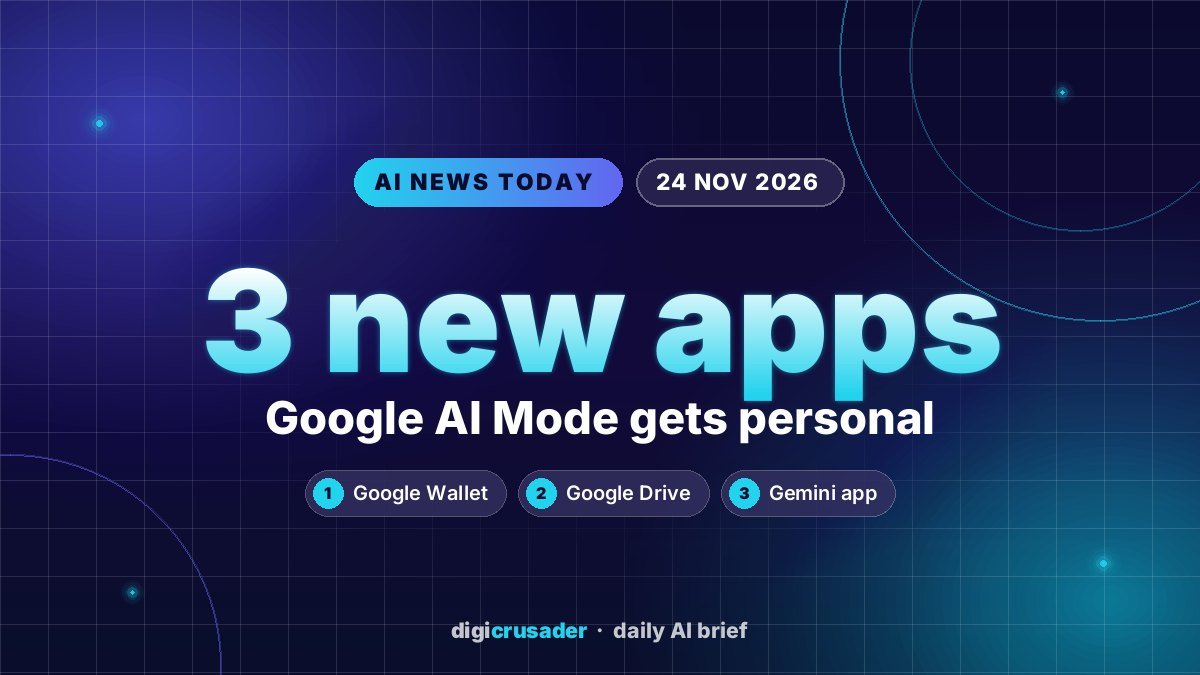
Google is letting AI Mode in Search read more of your personal Google data, if you opt in. On 23 November 2026 Google started rolling out a Google Wallet connection for Personal Intelligence in AI Mode, with Google Drive and the Gemini app to follow in the coming weeks. For businesses, it means more search answers will be shaped by each person’s own bookings, spending, files and past chats, not just by what is on the open web.
Key facts at a glance
- Who: Google Search. The update was announced by Robby Stein, VP of Product for Google Search.
- What: Personal Intelligence in AI Mode can now connect to Google Wallet. Drive and the Gemini app are next.
- When: Announced and starting to roll out on 23 November 2026. Drive and Gemini app links are due “in the coming weeks”.
- What it adds to: AI Mode could already connect to Gmail, Google Calendar and Google Photos.
- What changed: AI Overviews and AI Mode will also give more personally relevant answers based on your recent searches, so you can pick up a task (such as trip planning) in a new thread.
- What didn’t change: It is opt-in. Nothing is connected by default, and you can switch each app off at any time.
- Limits on money: Google says AI Mode can only read Wallet information. It cannot move, manage or invest money.
- Coming soon: a “Personalization” icon under tailored answers that shows which personal context was used.
What happened
Google published the update on its blog under the title “A more tailored Google Search that’s uniquely yours”. Personal Intelligence is the feature that lets Google’s AI pull context from your own Google apps. It arrived in AI Mode in January 2026 for paying Google AI Pro and Ultra subscribers in the US, as TechCrunch reported at the time. In March, Google opened it to anyone in the US using AI Mode, according to Engadget.
This week’s step widens what it can see. Google describes three new connections:
- Google Wallet. AI Mode can use the cards and accounts linked in Wallet to help you map money goals, trim everyday spending and get more from card perks, including cash-back categories, travel perks and reward points.
- Google Drive. AI Mode can draw on your docs, sheets and PDFs. Google’s example is a personal plan to get ready for tax season.
- The Gemini app. Context will flow both ways between the Gemini app and AI Mode, so an idea you explored in one is available in the other.
Google also said people will start to see more personally relevant answers in AI Overviews and AI Mode based on recent search context. Its example is travel: if you have been researching a trip, you can open a new thread and carry on without repeating yourself. TechCrunch framed the move as Google using data already inside its own apps to offer personal answers that rivals find hard to match.
What stays the same
- It is still opt-in. You connect apps under Search Personalization, then Connected Apps. MacRumors notes Google does not turn the connections on by default.
- Wallet access is read-only. Google says AI Mode cannot move, manage or invest your money.
- Public web results still matter. Personal context is layered on top of web information. Google’s own wording is about combining “the world’s information” with insights relevant to you.
- Work accounts are a separate case. When Personal Intelligence opened up in March, Engadget reported it was for personal accounts, not Workspace business, enterprise or education accounts. Google’s November post does not say this has changed.
Where reports differ
Some headlines say AI Mode “can now” use Drive and Wallet. Google’s own post is more careful. Wallet starts rolling out now. Drive and the Gemini app come “in the coming weeks”. MacRumors gets this right with “Drive coming soon”. If you are testing this today, expect Wallet first, and expect rollouts to reach accounts at different times.
Google’s post also does not list countries. The earlier expansions were US first, so it is safest to assume US users see this before anyone else until Google says otherwise.
How to turn it on or off
- Sign in to your Google account and open Search Personalization.
- Select Connected Apps.
- Choose the apps you want AI Mode to use (Gmail, Calendar, Photos, and now Wallet, with Drive and Gemini as they arrive).
- Switch any of them off at the same place. You can also correct AI Mode in the chat, for example by telling it a preference has changed.
Once the “Personalization” icon arrives, you will be able to check what personal context shaped a specific answer.
Why it matters for your business
For most of search history, two people typing the same query saw roughly the same results. Personal Intelligence pushes AI Mode further from that. The answer a traveller, buyer or client sees can now reflect their past bookings in Gmail, their calendar, their cards in Wallet and, soon, their own files and Gemini chats.
That has three practical effects:
- Rankings matter less as a single number. A “position” for an AI answer was already fuzzy. Personal answers make it fuzzier, because the context behind each answer is different.
- Your data trail in the customer’s inbox matters more. Booking confirmations, receipts and itineraries in Gmail are exactly the kind of context Personal Intelligence can draw on. Clear, structured confirmation emails help your brand show up correctly in those answers.
- Loyalty and card perks become part of the answer. With Wallet connected, AI Mode is explicitly designed to help people use travel perks and reward points. Offers tied to card programmes could be surfaced to the people who hold those cards.
What it means for SEO and marketing
Personalised AI answers do not remove the need for good public content. AI Mode still needs sources for facts about your products, prices and policies. What changes is how that content gets mixed with personal context.
- Be the clearest source on the facts. When AI Mode combines a person’s context with web information, it still has to pull your opening hours, prices, room types or service details from somewhere. Make those facts easy to find and consistent across your site and listings.
- Write for tasks, not just keywords. Google’s examples are tasks: plan a trip, prepare for tax season, cut spending. Pages that help someone finish a task are more useful raw material than thin keyword pages.
- Expect noisier reporting. Search Console will not show you which answers were personalised. Watch trends in branded searches, direct traffic and conversions, not just impressions.
- Check that AI can read your site. If AI crawlers are blocked or your key facts sit in images or scripts, you hand the answer to someone else. Our free AI visibility audit and AI crawler checker show where you stand.
This follows a run of changes to how Google presents AI on its main surfaces, including the AI sidebar on the Google homepage we covered last week.
What it means for travel and hospitality
Travel is the use case Google keeps returning to. It used trip planning as the example for carrying context across searches, and it named travel perks and reward points in the Wallet feature. For hotels, airlines and travel sellers, that makes this one of the most relevant search changes of the year.
Picture a guest who has a hotel confirmation in Gmail, a trip in Calendar and a travel card in Wallet. When they ask AI Mode where to eat near their hotel, or how to get the most from their card on the trip, the answer can draw on all three. Your property’s public facts, your confirmation emails and your loyalty terms all feed that moment.
A short checklist:
- Make booking confirmation emails clear and structured: property name, address, dates, room type and contact details near the top.
- Keep facts consistent across your website, Google Business Profile and OTA listings, so AI answers don’t mix up details.
- Publish plain, crawlable pages on card and loyalty partnerships, so perks can be matched to the right travellers.
- Create helpful local guides (getting there, dining nearby, things to do) that suit trip-planning queries. Our guide to driving direct hotel bookings covers the wider funnel.
- Test real guest questions in AI Mode with a personal account and see which sources it uses.
Who should pay the most attention
- Hotels, airlines and travel brands, because trip planning and travel perks are named use cases.
- Banks, card issuers and loyalty programmes, because Wallet-connected answers are designed to optimise card rewards.
- Retail and e-commerce brands, whose receipts and order emails can become context in shopping answers.
- Accountants and finance services, since Google’s own Drive example is tax-season planning.
- Privacy and compliance teams, who will get questions from staff and customers about what Google can see.
Our take
This is Google playing its strongest card. No other AI assistant has default access to the inbox, calendar, photos, files and cards of billions of people. Each new connection makes AI Mode harder to replace with a rival chatbot, because the rival simply doesn’t know as much about you.
For marketers, the lesson is not to panic about “personal” search. It is to accept that you won’t control the full answer any more. You control two things: how clear and consistent your public facts are, and how useful your own messages (confirmations, receipts, itineraries) are when an AI reads them. Do both well and personalisation works for you, not against you.
The privacy trade-off is real. Read-only Wallet access and a visible “Personalization” icon are sensible guardrails. Many users will still decide not to connect their finances, and that is a fair choice. Don’t build a strategy that assumes everyone opts in.
What to do now
- Audit how AI tools currently describe your business and fix gaps in your public facts. Start with our free AI visibility audit.
- Review your transactional emails (confirmations, receipts) for clear, structured details an AI can read.
- Test five real customer questions in AI Mode each month and note which sources and details appear.
FAQ
What is Personal Intelligence in Google AI Mode?
It is an opt-in feature that lets AI Mode use context from your own Google apps, such as Gmail, Calendar and Photos, to give more tailored answers. Google is now adding Wallet, with Drive and the Gemini app to follow.
Can Google AI Mode access my Google Wallet?
Only if you connect it. Once connected, Google says AI Mode can read information from your linked accounts to help with spending and card perks, but it cannot move, manage or invest money.
When will Google Drive work with AI Mode?
Google says Drive and the Gemini app connections will arrive “in the coming weeks” after the 23 November 2026 announcement. Wallet is rolling out first.
How do I turn off personalization in AI Mode?
Open Search Personalization in your Google account, go to Connected Apps and switch off any app. You can also turn off personalization in your Search settings.
Is AI Mode Personal Intelligence available outside the US?
Google’s November post does not list countries. Earlier expansions of Personal Intelligence in AI Mode were US first, so other markets may have to wait.
Does personalised AI search hurt SEO?
It changes it. AI Mode still relies on web sources for facts, so clear, consistent and crawlable content still wins. What gets harder is measuring rankings, because answers differ from person to person.
Want the week’s biggest AI stories in one place? Get the weekly brief or browse all AI news.