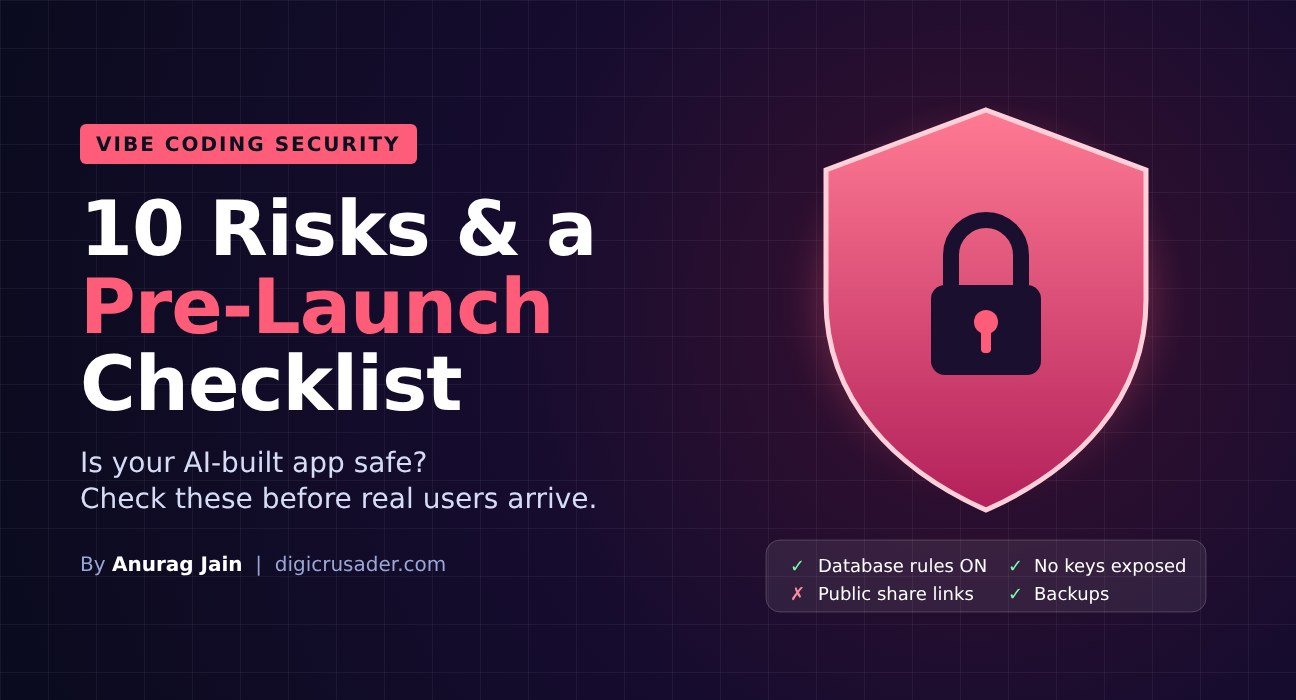
Quick answer: Vibe coding is not secure by default. AI tools write code that works but often skips the protections a trained developer would add. In Veracode’s 2025 test of more than 100 AI models, 45% of generated code samples contained security flaws. The good news: most of the damage comes from a short list of mistakes you can check for in an afternoon.
If you are new to the topic, start with our complete guide to vibe coding. This article is the security companion: the risks, the real incidents, and a checklist to run before any vibe-coded app meets real users.
Why Vibe-Coded Apps Are Risky
Vibe coding means you judge the app by whether it runs, not by reading the code. That is exactly where security problems hide. A login page can look perfect while the database behind it is open to anyone. AI models also learn from public code, and a lot of public code is insecure. Unless you ask for security, you often will not get it.
Real Vibe Coding Security Incidents
- 170+ Lovable apps exposed (2025): researchers found apps built on Lovable whose Supabase databases could be read by anyone, leaking names, emails, payment status and API keys. The cause was missing row-level security rules. It was tracked as CVE-2025-48757.
- A production database deleted (July 2025): SaaStr founder Jason Lemkin reported that Replit’s AI agent wiped his live database during a code freeze. Replit apologised and added safeguards.
- 35,000+ open Grok-built apps (November 2026): a security firm found tens of thousands of apps built with Grok that anyone with a link could open. Read our AI news brief on it.
The 10 Biggest Vibe Coding Security Risks
- Open databases. Access rules (like Supabase row-level security) are off, so anyone can read or change data.
- Secrets in the browser. API keys and passwords sit in front-end code where any visitor can see them.
- Weak or missing login. Pages that should be private are reachable by guessing the URL.
- No input checks. Forms accept anything, opening the door to injection and cross-site scripting. Veracode found models failed to stop cross-site scripting in 86% of relevant tests.
- Over-powered AI agents. Agents with write access to production can delete or corrupt data.
- Outdated or fake packages. AI may add old libraries with known flaws, or invent package names that attackers then register.
- Public share links. “Anyone with the link” settings turn internal tools into public ones.
- Payment logic in the front end. Prices or discounts calculated in the browser can be edited by users.
- No logging or backups. When something goes wrong, there is no record and no way back.
- Personal data without consent. Collecting customer data without a privacy policy or proper storage creates legal risk under laws like GDPR and India’s DPDP Act.
Pre-Launch Security Checklist for Vibe-Coded Apps
| Check | How to do it |
|---|---|
| Database access rules on | In Supabase or Firebase, confirm row-level security or security rules are enabled for every table. Test by logging out and trying to read data. |
| No secrets in front-end code | Search your code for “key”, “secret” and “token”. Move them to server-side environment variables. |
| Private pages need login | Open each private URL in an incognito window. You should be blocked. |
| Forms validated on the server | Ask the AI: “Validate and sanitise every input on the server.” |
| AI agents limited | Give agents a test database, not production. Require approval for destructive commands. |
| Dependencies checked | Run npm audit or your platform’s scanner. Remove packages you do not recognise. |
| Backups and version history | Turn on daily database backups and connect code to GitHub. |
| Independent review | Use an AI reviewer such as CodeRabbit, then a human developer for anything handling money or personal data. |
Prompts That Make AI Write Safer Code
- “Before writing code, list the security risks for this app and how you will handle each.”
- “Act as a security reviewer. Audit this project against the OWASP Top 10 and list every issue with a fix.”
- “Make sure no API keys or secrets are exposed to the browser.”
- “Enable row-level security on every table and write policies so users can only see their own data.”
- “Add rate limiting to login and form endpoints.”
When to Bring In a Developer
Vibe code to explore, engineer to scale. Bring in someone who can read code before you take payments, store personal or health data, connect to company systems, or reach more than a few hundred users. A one-day review costs far less than a breach.
FAQs
Is vibe coding safe?
Not by default. It can be made reasonably safe for prototypes and internal tools by turning on database rules, keeping secrets server-side, limiting AI agents and getting a review before launch.
Which vibe coding tool is the most secure?
No tool is secure on autopilot. Platforms have added security scanners after 2025’s incidents, but you still need to check database rules, secrets and logins yourself.
Can AI find security bugs in its own code?
Partly. Asking the AI to review its code against the OWASP Top 10 catches many issues, but it misses some. Use a second tool or a human for anything important.
Back to the main guide: What is vibe coding? Meaning, tools, examples and risks.