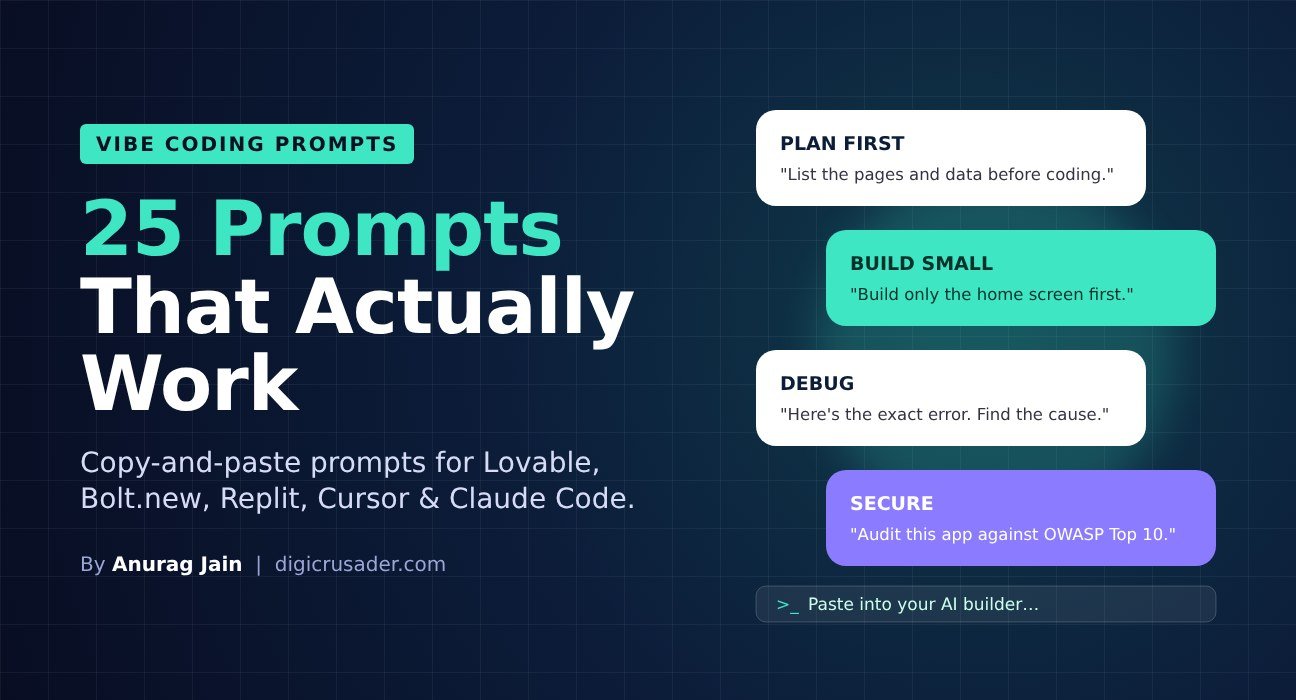
Quick answer: The best vibe coding prompts describe the user and the outcome, build in small steps, and tell the AI how to check its own work. Below are 25 copy-and-paste prompts for planning, building, fixing, designing and securing apps with tools like Lovable, Bolt.new, Replit, Cursor and Claude Code.
New to vibe coding? Read our complete vibe coding guide first, then come back here for the prompts.
5 Rules for Better Vibe Coding Prompts
- Describe who uses it and why. Context drives better design decisions than technical instructions.
- Ask for a plan before code. Fixing a plan is cheaper than fixing an app.
- One feature per prompt. Big prompts create tangled code and burn credits.
- Paste exact errors and screenshots. “It’s broken” gives the AI nothing to work with.
- Make the AI test itself. Ask for tests and a self-review after each feature.
Planning Prompts
- “I want to build [app] for [type of user] who needs to [goal]. Before writing any code, list the pages, the data we need to store, and the steps you will take. Ask me questions if anything is unclear.”
- “Suggest the simplest version of this app I could launch in one day. What should I leave out for now?”
- “Recommend a tech stack for this app and explain the choice in plain English, as if I’m not a developer.”
- “Write a one-page product spec for this app: users, core features, screens and success metrics.”
- “What could go wrong with this idea technically? List the risks before we start.”
Build Prompts
- “Build only the home screen first: [describe layout]. Don’t add other features yet.”
- “Add a login so users can sign up with email and only see their own data.”
- “Create a database table for [items] with these fields: [list]. Add sample data so I can test.”
- “Add a form that collects [fields], validates them on the server, and emails me each submission.”
- “Connect to the [service] API to show [data]. Keep the API key on the server, never in the browser.”
Debugging Prompts
- “Here is the full error message: [paste]. Explain what caused it in one sentence, then fix it.”
- “When I [action], I expected [result] but got [result]. Find the cause before changing any code.”
- “You’ve tried to fix this three times. Stop, list three possible root causes, and test each one.”
- “Undo your last change and try a simpler approach.”
- “Add clear logging so we can see what happens step by step when [action] runs.”
Design and UX Prompts
- “Redesign this page for a busy manager checking it on her phone between meetings.”
- “Use a clean, modern style with lots of white space, one accent colour [hex], and readable fonts.”
- “Make every button and form accessible: proper labels, keyboard navigation and good contrast.”
- “Add friendly empty states and loading states to every list and page.”
- “Review the app as a first-time user. List the five most confusing things and fix them.”
Security and Quality Prompts
- “Act as a security reviewer. Audit this project against the OWASP Top 10 and fix every issue.”
- “Check that no API keys, passwords or secrets are visible in front-end code.”
- “Enable row-level security on every database table so users can only access their own rows.”
- “Write automated tests for the main user flows and run them.”
- “Explain how this app works, file by file, in plain English, so I could hand it to a developer.”
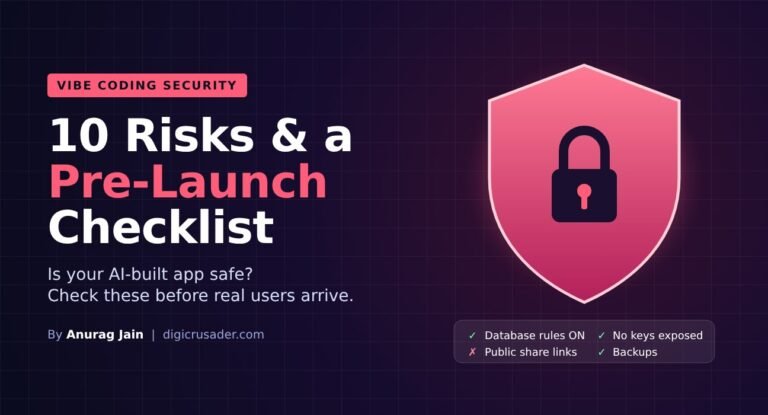
For the full list of security checks, see vibe coding security: 10 risks and a pre-launch checklist.
Tool-Specific Tips
- Lovable and Bolt.new: use their plan or chat mode for prompts 1 to 5 to avoid spending build credits on planning.
- Replit: give the agent a test database and turn on checkpoints so you can roll back.
- Cursor and Claude Code: keep a rules or project file (for example CLAUDE.md) with your stack, style and security rules so every prompt follows them.
FAQs
What is a vibe coding prompt?
It is a plain-English instruction you give an AI coding tool to build or change software, such as “add a login page” or “fix this error”.
How long should a vibe coding prompt be?
Long enough to explain the user, the goal and one specific change. Two to six sentences works well. Break bigger requests into several prompts.
Do the same prompts work in every tool?
Mostly, yes. The principles are the same across Lovable, Bolt.new, Replit, Cursor and Claude Code; only features like plan mode and rules files differ.
Back to the main guide: What is vibe coding?